
Frame-A-Face automatically crops large batches of portraits with consistent framing.
Set your crop once, let Frame-A-Face do the work, quickly review the results, and export.
3,000 full-size photos in less than 10 minutes.

Set the crop once and let Frame-A-Face automatically position it on every photo.
Quickly review the results and correct any individual image when needed.
Automatic cropping. You remain in control.

Process hundreds or thousands of portraits quickly and consistently.
Set your crop once and apply it to the entire batch.
Create multiple crops from the same batch when needed.

Frame-A-Face detects faces directly on your computer to position the crop. Your photos never need to be uploaded to a cloud service.
Online Help Pages
Get the full-featured version of Frame-A-Face for $229 per workstation.
No monthly subscription.

Frame-A-Face is built for photographers who process large numbers of portraits. Instead of manually positioning a crop on every image, set your desired framing once and let Frame-A-Face apply it throughout the batch. Fast processing, consistent results, and a quick review before export.
The workflow is simple: Load → Set Crop → Process → Review → Export
No complicated setup. No cloud processing. No need for a high-end computer.
See Frame-A-Face in Action
See how Frame-A-Face handles a large batch of portraits — from setting the master crop to reviewing the results and exporting the finished images.
It can be used for school and sports photography, yearbooks, business portraits, ID photos, website directories and other high-volume portrait work.
Don't judge Frame-A-Face from a demo image. Try it with your own photographs and your own workflow. The trial includes the full feature set. Process a real batch and see how much time automatic cropping can save.

Try Frame-A-Face FREE for 15 days.
This is the full-featured version,
with full feature set!

$229 per Workstation. The full-featured version. One-time purchase. No monthly subscription.
(Limited-time offer. Reg. price $259)

Questions?
Email us here.
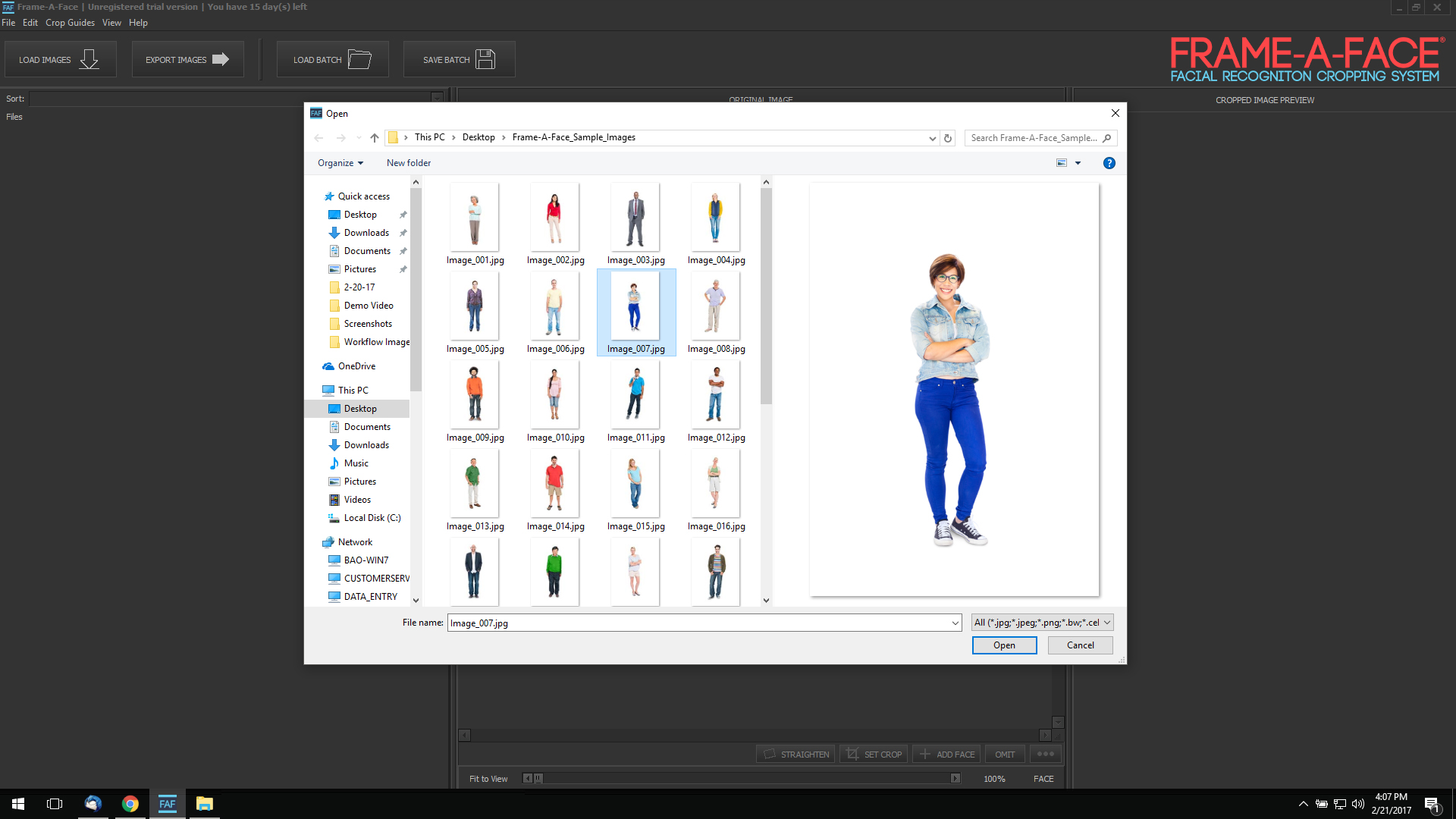
Select the images you want to process and load them into Frame-A-Face.

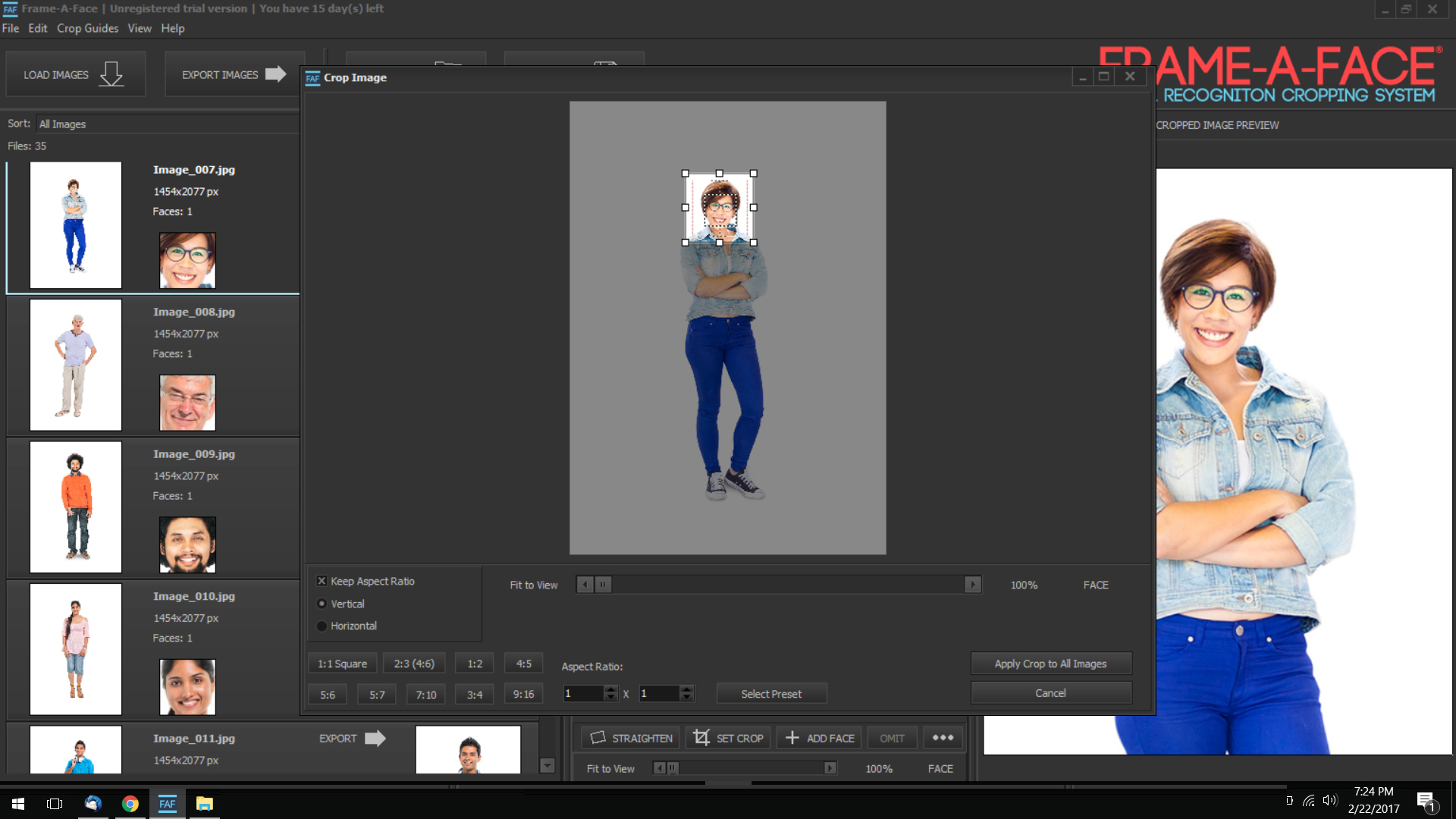
Choose a representative photo and define the crop you want. This becomes the master crop for the batch.

Quickly scan the processed images in the preview. If an individual crop needs adjustment, simply correct it in the preview panel. Your change affects only that image.
Need a different format? Set a new crop — for example, a square ID-card crop — and apply it to the same images.

Check the results, make any individual adjustments, and export the second version of your images.
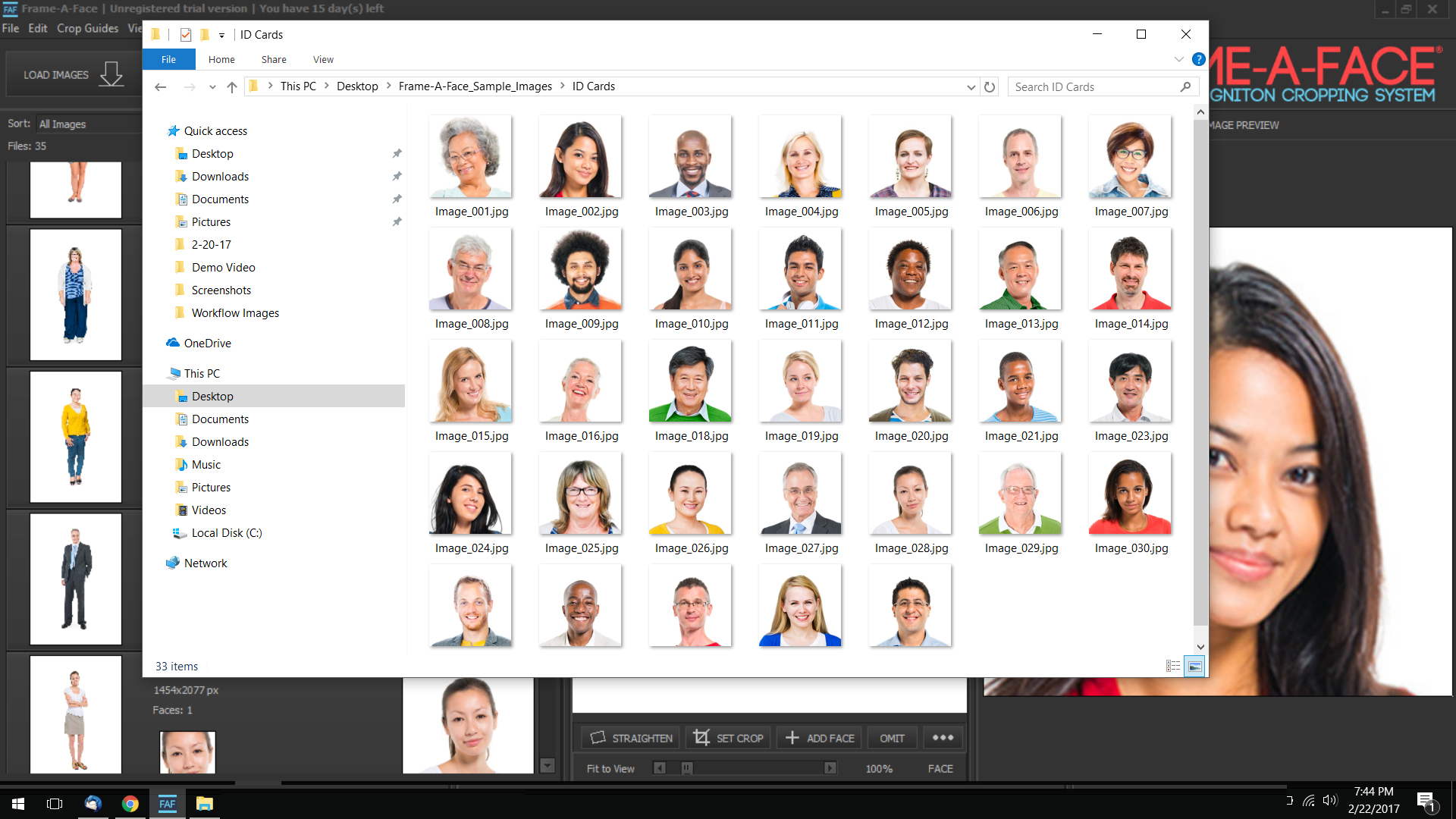
Your images are ready — consistently cropped and ready for their next step in your workflow.
One batch can produce multiple finished versions without repeating the manual cropping work.
Save your crop settings and reuse them with a click. Export templates let you define precise output settings for recurring jobs such as ID cards and passport photos.
Frame-A-Face Advanced Features
This video explains the advanced features designed to speed up your imaging workflow.
Frame-A-Face is designed to handle large batches of full-size photographs quickly, even on a typical office computer.
Face detection runs locally on your computer. Your photographs do not need to be uploaded to the internet or processed by a cloud service. The software detects faces to position the crop. It does not identify the people in your photographs.
See how Frame-A-Face fits into real photography workflows.
“I love Frame-A-Face. What used to take me anywhere from 2-4 hours I can do in 30 minutes now.”
— Michael, School Photographer
“I take photos for several schools in my area. I used to crop just about every image in Lightroom. Now I batch them through Frame-A-Face. One batch for ID cards and one batch for portraits. I cannot even begin to calculate the amount of time it saves!”
 Jane Goldmund
Photographer
Jane Goldmund
Photographer
“The user will intuitively understand how the software works and the actual image processing appears to be magic. This is the way software should work.”
 Luke Norski
Software Engineer
Luke Norski
Software Engineer
“...you can use it to quickly crop your portrait photos to the size of ID badges, passport photos, etc. You can also use this software to create photos for yearbooks. It will be especially useful for hospitals, security companies, and photo labs!” read more...
 Kate Gross
Fixthephoto.com
Kate Gross
Fixthephoto.com
Stop Cropping Portraits One at a Time. Frame-A-Face automates the repetitive part of portrait cropping while keeping you in control of the final result.
$229 per workstation. One-time purchase. Full-featured version.
Not sure yet? Try the full version free for 15 days with your own photos.
Contact us by email. We normally reply within one business day.
Email: info@frameaface.com


